
This user manual covers the installation, BIOS settings, and driver installation for the Sapphire PURE PLATINUM Z87M -PR motherboard.
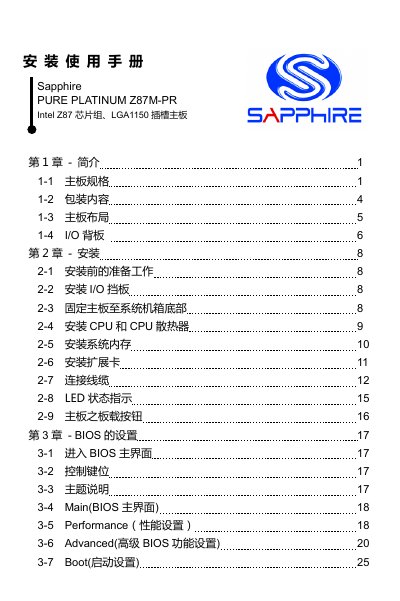
The document is a user manual for the Sapphire PURE PLATINUM Z87M -PR motherboard, which features an Intel Z87 chipset and LGA1150 socket. It details the specifications, including support for up to 32GB of DDR3 memory and multiple display outputs.
The guide provides step-by-step instructions for installing the motherboard into a system chassis, connecting cables, and configuring the BIOS settings such as boot order and security passwords. It also includes information on installing device drivers from the included CD. This manual is written in Chinese.
| Chipset | Intel Z87 chipset |
|---|---|
| CPU Socket | LGA1150 |
| Max Memory Capacity | 32GB |
| Memory Type | DDR3-1066/1333/1600+ MHz |
| SATA Interfaces | 4x SATA 3.0 (6Gb/s) |
| Network Chipset | Realtek 8111 series Gigabit |
| Audio Codec | Realtek ALC 892 |
| Form Factor | Micro-ATX (245 x 220 mm) |
The motherboard supports Windows 7 and Windows 8.
Press the dedicated 'Clear CMOS' button on the motherboard to reset BIOS settings.
TRIXX allows users to adjust system settings, execute overclocking functions, and monitor hardware status in Windows.