
This user manual provides detailed introduction of Sapphire GPS receiver's functions and installation methods, including installation and operation (RS-232) installation and operation (USB) for Windows 98, Windows ME, Windows 2000 and Windows XP.
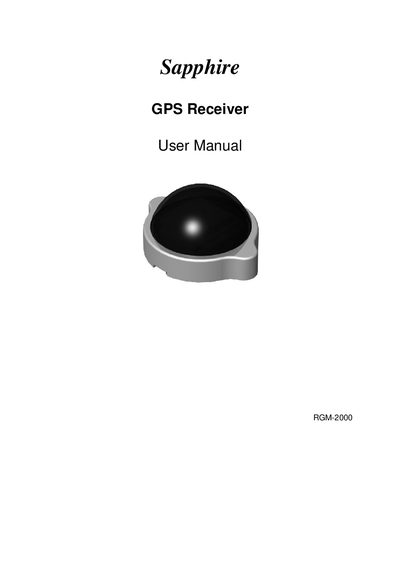
The RGM-2000 is a GPS receiver designed for vehicle and handheld PC use, offering positioning and navigation capabilities for professional and recreational applications. The manual explains the device's features, required accessories, and how to set up the receiver with RS‑232 or USB interfaces.
It includes step‑by‑step installation procedures for Windows platforms, details on serial communication settings, connector pinouts, testing procedures, PDA synchronization, physical characteristics, software data, troubleshooting tips, and warranty information.
| Model | RGM-2000 |
|---|---|
| Interface | RS-232 and USB |
| Baud rate | 4800 |
| Data bits | 8 |
| Parity | None |
| Stop bits | 1 |
| Flow control | None |
| Connector (RS-232) | 4‑pin mini DIN |
| Connector (USB) | USB A Type |
| Warranty period | 1 year |
Plug the RS‑232 cable into the COM port of your notebook or handheld PC, then connect the PS2 connector to the mouse outlet before powering on the device.
Set the COM port to a baud rate of 4800, data bits 8, parity none, stop bits 1, and flow control none.
Supported PDA cables include HP iPaq series, Casio series, HP Jornada series, Fujitsu‑Siemens LOOX series, O2 XDA series, and other various PDA cables.
The product is covered by a one‑year warranty from the date of purchase.