
EasyKey Pi series Pi lever smart door lock user manual, including product safety, installation, use, maintenance and other information
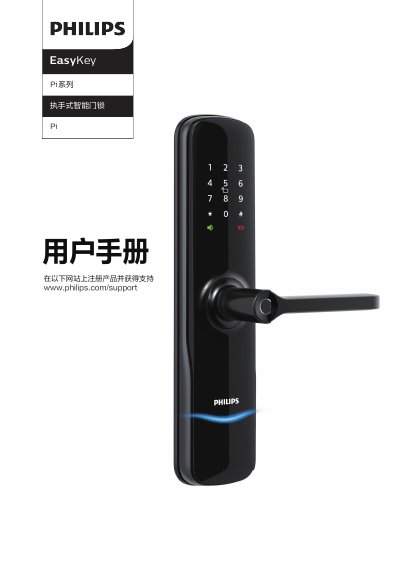
This document is the user manual for the Philips EasyKey Pi Series smart door lock. It covers the complete installation process, including component identification, door direction adjustment, and assembly steps. The guide also details how to operate the lock using various methods such as passwords, fingerprints, and cards. This manual is written in Chinese.
| Power Source | 4 AA alkaline batteries (up to 8 batteries) |
|---|---|
| Emergency Power Interface | Micro USB |
| Compatible Door Thickness | 60-90mm (default kit) |
Push up the battery cover on the inner panel, remove the cover, and take out the batteries.
Yes, you can use a 5V power bank as an emergency power source via the Micro USB interface.
The lock will trigger a low battery alarm, and you should replace all batteries immediately.