
HD-VP1240/1640 is a powerful twelve/sixteen network port, four-screen, two-in-one integrated video processing and sending card function controller. This product supports 4K input, is a high-performance product for LED large screen display, performance and rental, broadcast hall and other markets.
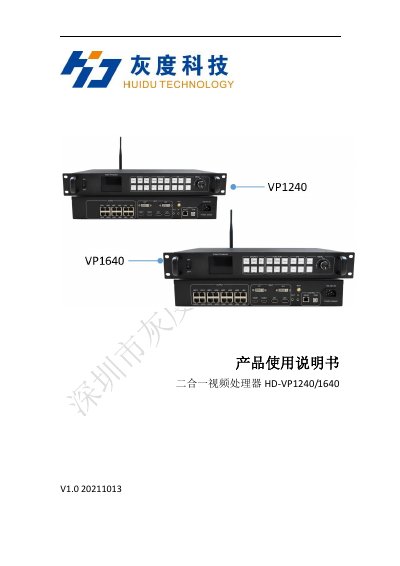
The HD HD-VP1240/1640 is a powerful controller integrating video processing and transmitter card functions. It supports 4K input and features 12 or 16 Gigabit Ethernet ports for output, suitable for LED large screen displays, performances, and studios. The device includes 6-channel high-definition digital video input, with DP supporting up to 4K@60Hz. This manual is written in Chinese.
| Video Input Channels | 6 channels |
|---|---|
| DP Input Resolution | 4K@60Hz |
| Ethernet Output Ports | 12/16 Gigabit |
| Total Pixels (12-port model) | 7.8 million |
| Total Pixels (16-port model) | 10.4 million |
| Screen Display | 2.8 inch color LCD |
| Audio Interfaces | 1x 3.5mm IN, 1x 3.5mm OUT |
| RS232 Function | Connect to control host |
It supports 6 input sources including DVI, HDMI, and DP.
You can switch by pressing the 'SOURCE' area buttons or via the menu interface.
Yes, the device supports saving current parameters as template files for quick recall.
Yes, it supports connecting a mobile phone via Wi-Fi to switch signal sources and open windows.