
LR DEVICE software manual, introduce the software features, installation methods, startup methods and other content.
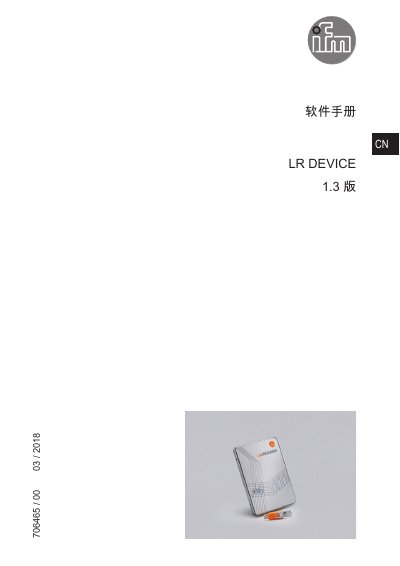
The IFM LR DEVICE 1.3 software is designed for setting parameters for IO-Link master stations and devices via network or USB connections. It supports both online and offline operations, allowing users to load, save, and export parameter sets. The software also provides graphical display and evaluation of process values. This manual is written in Chinese.
| Minimum RAM | 2 GB |
|---|---|
| Minimum Hard Disk Space | 5 GB |
| CPU Requirement | Intel Dual Core 2.0 GHz |
| Supported Operating Systems | Windows 7 SP1, 8.1, 10, Server 2008 R2, 2012, 2012 R2, 2016 |
The software requires at least 2 GB of RAM, 5 GB of hard disk space, an available Ethernet port, a USB 2.0 port, and an Intel Dual Core 2.0 GHz CPU.
Yes, but only limited functions are available, such as viewing master station parameters and reading device parameters via point-to-point connection; writing data is not possible.
The interface language depends on the browser settings; you must set the desired language in your browser settings and then restart or refresh the browser.