
Taurus LAN user manual, introduces the use of this product, including system settings, network disk, additional functions, etc.
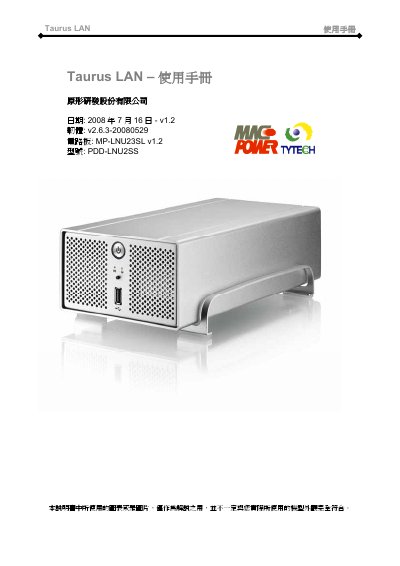
This manual covers installation, system setup, and usage of the Taurus LAN SATA external storage device. It includes instructions for connecting via Ethernet, configuring RAID arrays, and accessing files through BitTorrent. The device supports Windows and Mac OS, and features USB ports for additional peripherals. Safety and setup guidelines are provided for optimal performance and data protection.
The manual also explains how to access the web-based management interface, configure network settings, and troubleshoot common issues such as login problems or failed downloads. It details hardware installation steps, including SATA cable connections and hard drive formatting options. This manual is written in Chinese.
| Supported Operating Systems | Windows 2000, XP, Vista; Mac OS 10.2+ |
|---|---|
| Network Interface | Gigabit Ethernet |
| USB Ports | 2 USB Host ports |
Use a web browser to access the device's IP address, then enter the default admin credentials (admin/admin).
NTFS is supported for Windows, and EXT2/EXT3 for Linux-based systems.
Hold the Reset button for 5 seconds to clear all settings and restore default values.
SMB, FTP, and BitTorrent protocols are supported for file transfer and sharing.