
This document is a user manual for the TW Dual Slot RAID Storage Enclosure Taurus Super-S LCM. The document provides information on the system requirements, supported hard drive devices, package contents, and functionality of the front and back views.
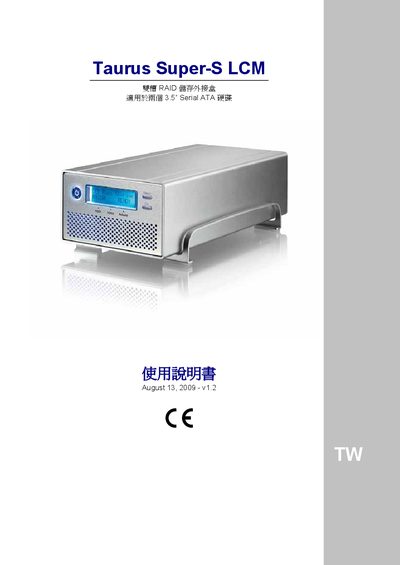
This manual describes the hardware specifications and configuration options for the Taurus Super‑S LCM add‑in box. It covers supported CPUs, memory, storage capacities, interface ports and operating system compatibility for both PC and Mac platforms.
The document also explains RAID configurations (RAID 0, RAID 1, RAID 5, RAID 10), system status messages, and troubleshooting procedures such as error handling and DIP‑switch settings.
| CPU | Intel Pentium III 500 MHz |
|---|---|
| Memory | 128 MB RAM |
| Interface – eSATA | eSATA 8 Gb/s (SATA‑II) |
| Interface – FireWire | FireWire 400/800 |
| Interface – USB | USB 2.0 High Speed |
| Supported RAID Levels | RAID 0, RAID 1, RAID 5, RAID 10 |
| PC OS Compatibility | Windows XP/Vista (NTFS, FAT32) |
| Mac OS Compatibility | Mac OS 10.2‑10.4 (HFS+) |
The device works with Windows XP/Vista and Mac OS 10.2‑10.4.
It supports RAID 0 (disk striping), RAID 1 (disk mirroring), RAID 5 and RAID 10.
The box provides eSATA, FireWire 400/800 and USB 2.0 ports.