
This manual introduces the features and characteristics of Taurus Super-S Combo 3.5” Serial ATA External Hard Drive Box, including available interfaces, system requirements, packaging contents, installing hard disk, system connection, hard disk partitioning and formatting.
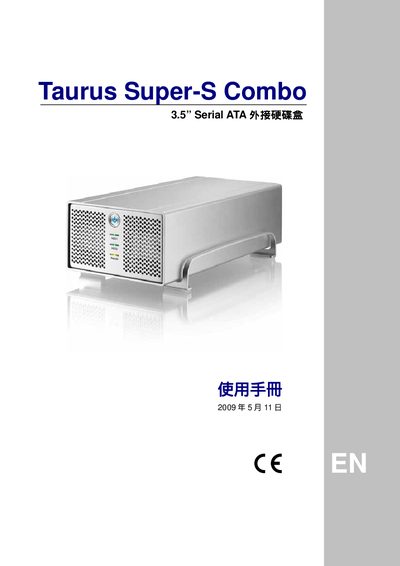
The Taurus Super‑S Combo is a 3.5" Serial ATA add‑in hard‑disk enclosure with multiple interfaces, including FireWire 400/800, USB 2.0, eSATA and Gigabit Ethernet. Its compact dimensions are 24.5 cm × 13.38 cm × 7.6 cm (9.65 in × 5.23 in × 3 in) and it accepts standard 3.5" SATA drives.
The manual guides users through installation, power‑supply connections, LED status indicators, and RAID jumper settings for RAID 0 (spanning/striping) and RAID 1 (mirroring). Compatibility notes for Windows (NTFS) and Mac OS X (HFS+) are included, along with a FAQ section that answers common setup questions.