
271P4 ZH User Manual is a user manual for Philips monitor, introduces the features and characteristics of the monitor, including safety measures, installation, operation, image optimization, built-in camera and microphone, technical specifications, power management, customer service and warranty, troubleshooting and FAQs.
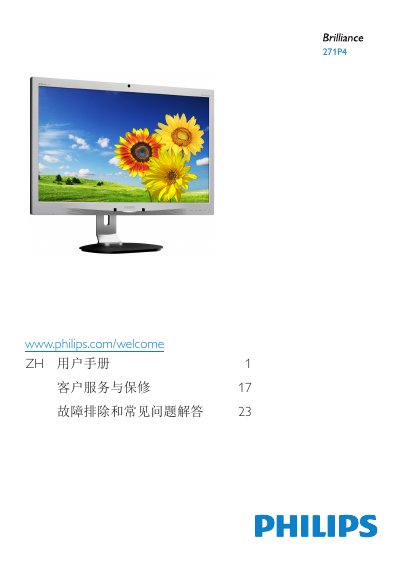
This user manual covers the setup and operation of the Philips 271P4 monitor. It includes instructions for installing the stand, connecting the monitor to a PC via various input ports, and using the on-screen display (OSD) menu to adjust settings like picture quality, audio, and power management. The guide also details the use of the built-in camera and microphone features available on specific models. This manual is written in Chinese.
| Native Resolution | 1920 x 1080 @ 60 Hz |
|---|
The monitor performs best at its native resolution of 1920 x 1080 @ 60 Hz.
The monitor performs best at a resolution of 1920 x 1080 @ 60 Hz.