
This document is the manual for Casio QT2100 cash register, introducing the operation of cash register
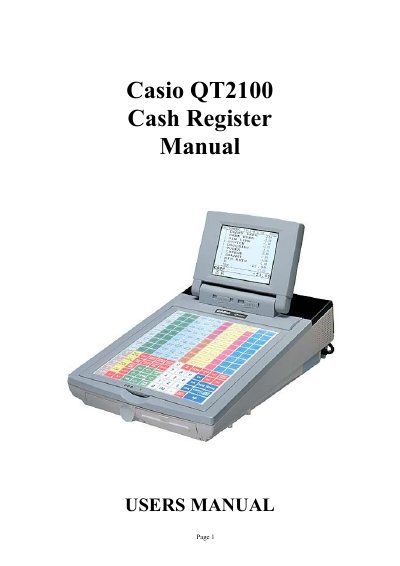
This manual provides operating instructions for the Casio QT2100 cash register. It details procedures for making sales, handling multiple tenders, and processing cash-outs via EFTPOS. The guide also covers table controls, including opening, cashing off, and transferring table accounts, as well as managing busy tables and clearing fields.
Enter the number of items, press the X key, then press the item key.
Press the C key to clear the screen, but note that this will not remove any transactions that have been entered.
Press CANCEL and then YES to cancel the entire transaction.