
This is a user guide for THORLABS MX40G Fiber Optic Calibrated Electrical to Optical Converters. It mainly introduces the usage methods, supported commands and remote control software.
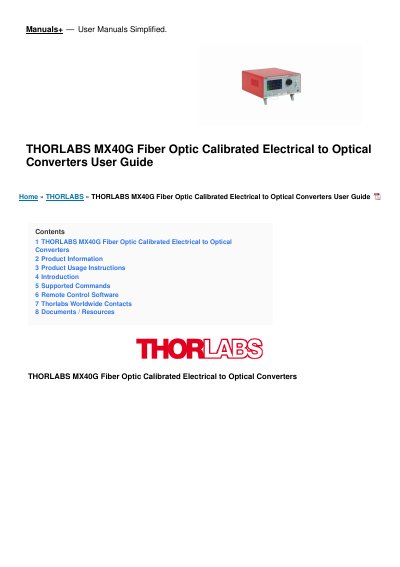
This user guide is for the Thorlabs MX40G Fiber Optic Calibrated Electrical to Optical Converters. It describes the Remote Control User Guide for the MX / MBX / TLX1 / TLX2 Series and covers interfacing the instrument with a computer, supported serial commands, and the remote control software tool.
The guide uses the MX40G Electrical-to-Optical Converter as an example. It says the instruments can be connected to a computer via USB or RS-232 ports on the back panel, and that using both connections at the same time is not supported. Remote control may use SCPI-type serial commands, and supported commands are described for firmware version V1.9.4 and later.
| RS-232 serial port configuration | 115200 baud, 8 bits, no parity, 1 stop bit, no flow control |
|---|
It can be connected via USB or RS-232 ports on the back panel, and using both connections at the same time is not supported.
The controlling computer should be configured for 115200 baud, 8 bits, no parity, 1 stop bit, and no flow control.
The instrument may be remotely controlled via SCPI-type serial commands, and supported commands include RF amplifier, laser control, Mach-Zehnder modulator, system, and variable optical attenuator commands.