
This manual is the installation and configuration manual of the Rinnai Touch Wi-Fi Kit. The kit is compatible with Rinnai and Brivis home comfort systems, including Ducted Gas Heating, Dual Comfort (Add-On Refrigerated Cooling) or Evaporative Cooling systems with Wired Networker Controller.
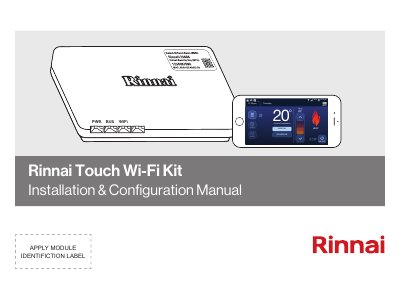
This manual provides step-by-step instructions for installing and configuring the Rinnai Touch Wi-Fi Kit with compatible Rinnai and Brivis home comfort systems. It covers kit contents, compatibility requirements, mounting, wiring, app setup, and troubleshooting. The kit includes a Wi-Fi module, power supply, interconnecting cable, and mounting hardware. Installation must be performed by a qualified person and requires a compatible wired networker controller and a 2.4GHz Wi-Fi router. The module must be installed indoors and within 10 meters of the router for optimal performance.
| Standard | IEEE 802.11b/g/n |
|---|---|
| Antenna Type | Internal |
| Frequency | Wi-Fi 2.4GHz |
| Operating Temperature Range | 0°C to 70°C |
| Operating Relative Humidity | 10%–85% |
| Power Input | DC 12V/300mA |
Compatible with Rinnai/Brivis Ducted Gas Heating, Dual Comfort (Add-On) or Evaporative Cooling systems with N-C3, N-C6 or N-C7 Touch Networker Controllers.
The router must support 802.11b/g/n @2.4GHz with WPA2 security.
iOS 8 and Android 4.0.3 (API 15) or higher.
The module must be within 10 meters of the Wi-Fi router for reliable connection.