
PerkinElmer Punch-Out Shopping Manual

This manual describes how to shop on the PerkinElmer punch-out website, including the home page, navigation, search, and shopping cart
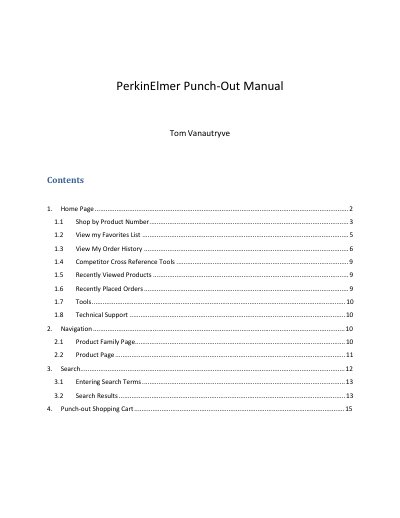

PerkinElmer Punch-Out Shopping Manual - cover page
Brand
PerkinElmer
Category
Other Electronics
Document type
User Manual
Language
English
Pages
15
File format
PDF
File size
578 KB
Published
27 October, 2023
Updated
27 October, 2023
MD5 checksum
15C745F9C5EE2AF468659F740B77BD59

About this manual

This manual describes the features and navigation of the PerkinElmer Punch-Out shopping site. It explains how to access the home page, shop by product number, and view favorites, order history, and technical support tools. The guide details the process of adding products to the cart and managing orders.

What's inside

  • Home Page
  • Shop by Product Number
  • View my Favorites List
  • View My Order History
  • Competitor Cross Reference Tools
  • Navigation
  • Search
  • Punch-out Shopping Cart

Frequently asked questions

How many product numbers can be entered at once in the main Shop by Product Number area?

The user can enter up to 3 product numbers and quantities to be added to the shopping cart.

What happens if a user types at least 6 characters of a product number?

The autofill functionality will suggest possible matches for the product number to help the user.

How many product numbers can be typed if a user clicks the Shop by Product Number link under Start Shopping?

Up to 20 product numbers can be typed and added to the Shopping Cart in a new window.

Download PDF (578 KB)

More PerkinElmer Manuals


View all PerkinElmer manuals →