
Outpost 2 User Manual, introduces the operation methods, game modes, network connection and other content of the game
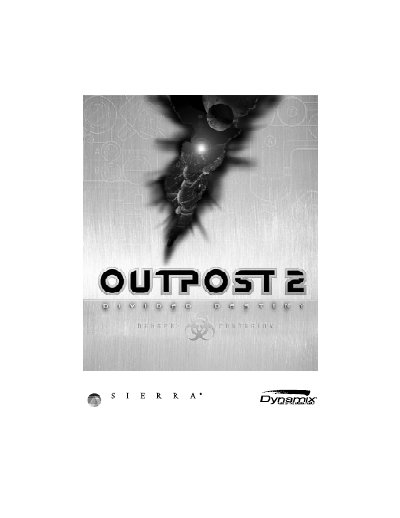
This manual serves as a comprehensive guide for the video game Outpost 2: Divided Destiny. It covers essential topics such as system requirements, installation and uninstallation procedures, and the two primary game modes: Campaign Games and Colony Games. The document also details how to set up and play multiplayer games via various connection methods like SIGS, Modem, IPX, and TCP/IP.
| Minimum Processor | 60 MHz Pentium processor or better |
|---|---|
| Minimum RAM | 16 MB |
| Optical Drive | 2x CD-ROM drive |
| Hard Drive Space | 50 MB |
| Video Memory | 1 MB of Video RAM |
| Operating System | Windows 95/NT 4.0 or higher |
The computer must have a 60 MHz Pentium processor, 16 MB of RAM, a 2x CD-ROM drive, and 50 MB of free hard drive space.
You can uninstall the game via the Add/Remove Programs control panel, by deleting the installation directory, or using the Sierra Utilities program.
The game offers Campaign Games and Colony Games, as well as Multiplayer Games.