
This document provides instructions for the use and installation of the Smart-Trak 100 series mass flow meters and controllers. It also highlights the safety precautions to be taken when using these instruments in oxygen applications. The document also explains the principle of the Smart-Trak flow sensor.
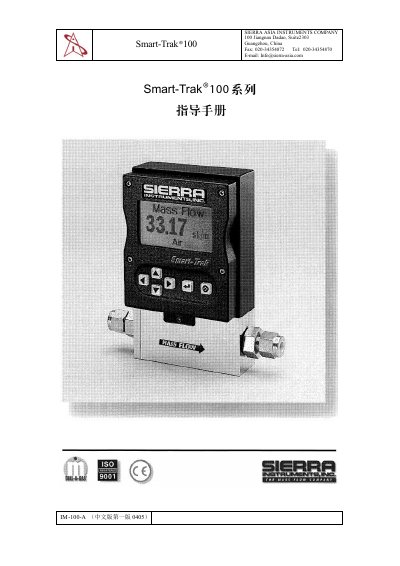
The Sierra Smart‑Trak 100 manual describes the product’s hardware, interfaces, and functional features. It includes safety notices, technical parameters, and a description of the laminar flow element used for accurate gas flow measurement.
The document is organized into sections covering hardware overview, data sheet, RS‑232 communication, calibration procedures, installation steps, operating instructions, maintenance guidelines, and troubleshooting tips. Appendices list part numbers, connector types, and wiring diagrams. This manual is written in Chinese.
| Power supply voltage | 0‑5 VDC (0‑10 VDC option) |
|---|---|
| Connector type | HD DB‑15 |
| Physical size | 4.6" × 5.2" (117 mm × 132 mm) |
It operates from a 0‑5 VDC power supply, with a 0‑10 VDC option available.
The device uses an HD DB‑15 connector for its data connection.