
PreSonus StudioLive ARc-Series Hybrid Digital/Analog Production Mixer Quick Start Guide

Quick Start Guide, introducing the features and characteristics of StudioLive™ ARc Series Hybrid Digital/Analog Production Mixers
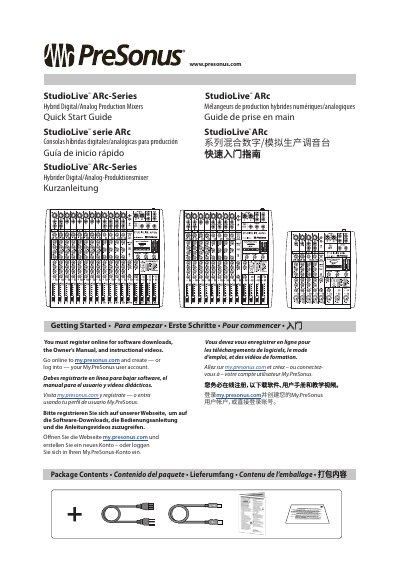

PreSonus StudioLive ARc-Series Hybrid Digital/Analog Production Mixer Quick Start Guide - cover page
Brand
presonus
Category
Other Electronics
Document type
Quick Start Guide
Language
English
Pages
4
File format
PDF
File size
2.8 MB
Published
27 October, 2023
Updated
27 October, 2023
MD5 checksum
CC9195BEE16119E523AC13BF55F05720

About this manual

This document serves as a multilingual quick start guide for the PreSonus StudioLive ARc-Series Hybrid Digital/Analog Production Mixers. It provides essential instructions for initial setup, including identifying package contents and registering the product online to access software downloads and the Owner's Manual. The guide supports English, Spanish, German, French, and Chinese.

What's inside

  • Package Contents
  • Online Registration
  • Level Setting Procedure
  • SD Recording
  • Bluetooth Pairing
  • Front of House Speakers
  • Floor Wedges
  • Keyboard
  • Lead Vocal
  • Drum Kit

Specifications

Supported SD Card FormatsFAT16 or FAT32

Frequently asked questions

How do I register my StudioLive ARc mixer?

You must register online at my.presonus.com to create or log into your My.PreSonus user account for software downloads and manuals.

How do I pair a Bluetooth device with the mixer?

Press and hold the Pair button for three seconds, then select "StudioLive AR16c/AR12c/AR8c USB" on the pairing device until the button illuminates solid.

Download PDF (2.8 MB)

More presonus Manuals


View all presonus manuals →