
PreSonus StudioLive 16.0.2 User Manual

This manual covers the setup, operation, and software integration for the PreSonus StudioLive 16.0.2 audio mixer.
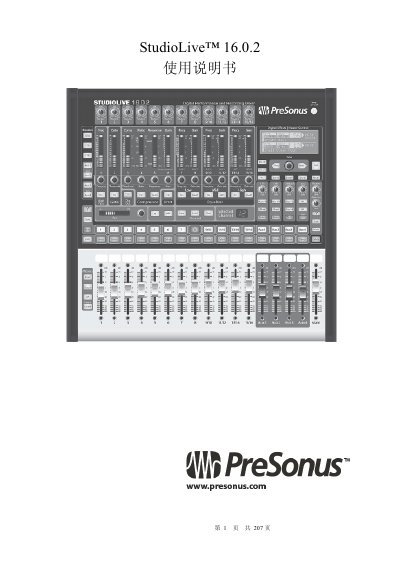

PreSonus StudioLive 16.0.2 User Manual - cover page
Brand
presonus
Category
Other Electronics
Document type
User Manual
Language
Chinese
Pages
207
File format
PDF
File size
13.2 MB
Published
25 October, 2026
Updated
25 October, 2026
MD5 checksum
F1C6E35E9D0C78A69958D066890C771D

About this manual

This document is the user manual for the PreSonus StudioLive 16.0.2, a 16-channel analog mixing console. It provides comprehensive instructions on hardware setup, including connections for microphones, instruments, and power amplifiers. The guide details the operation of Fat Channel strips, input channel strips, auxiliary sends, and digital effects. This manual is written in Chinese.

What's inside

  • Quick Start
  • Overview
  • Wiring Diagrams
  • Control
  • Scenes and Presets
  • Connecting to Computer
  • Software: Universal Control
  • Capture Software
  • Studio One Artist
  • Troubleshooting

Specifications

Product NameStudioLive 16.0.2

Frequently asked questions

What is the recommended startup order for the system?

Turn on sources connected to inputs first, then the StudioLive, then the computer, and finally the power amplifier or active speakers.

How do you enable phantom power for a microphone?

Press the Select key for the channel and then press the 48V key until the light illuminates.

Download PDF (13.2 MB)

More presonus Manuals


View all presonus manuals →