
This manual provides an overview of the features and functions of the PreSonus® StudioLive™ Series III rackmount digital mixer.
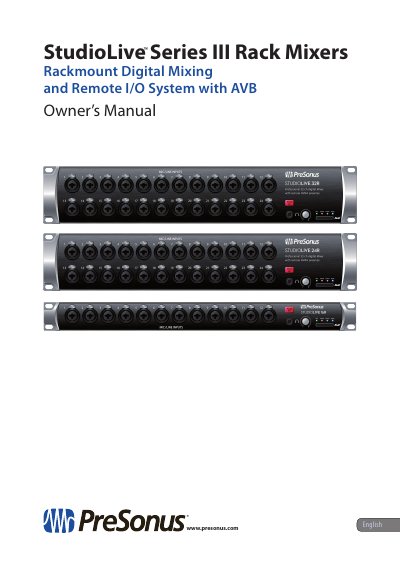
This manual guides users through registering, networking, and setting up the PreSonus StudioLive Series III rackmount digital mixer. It covers connecting via Ethernet or USB, firmware updates, and configuring AVB networks. The mixer includes 32/24/16 mic/line inputs, FlexMix outputs, and built-in USB/SD recording. It supports UC Surface, QMix-UC, and Studio One Artist software for control and recording.
The manual also details what’s included in the box and what’s needed for full operation, such as a LAN network, router, and compatible software. It includes setup diagrams for typical band and church configurations and technical specs for the hardware.
| Analog Inputs | 34/26/18 total |
|---|---|
| Mic/Line Channel Inputs | 32/24/16 |
| FlexMix Outputs | 16/12/6 |
| Main Outputs | 2 XLR (Left/Right) |
| Resolution | 24-bit |
| Dynamic Range | 115 dB |
The box includes the mixer, USB cable, IEC power cord, registration card, and Quick Start Guide.
Go to my.presonus.com, log in or create an account, click 'Register a Product', select 'Hardware', enter mixer info, agree to license, then click 'Register'.
Includes UC Surface, Capture, and Studio One Artist for Mac and Windows; QMix-UC for iOS and Android.