
This document introduces the use of PreSonus' FaderPort production controller.
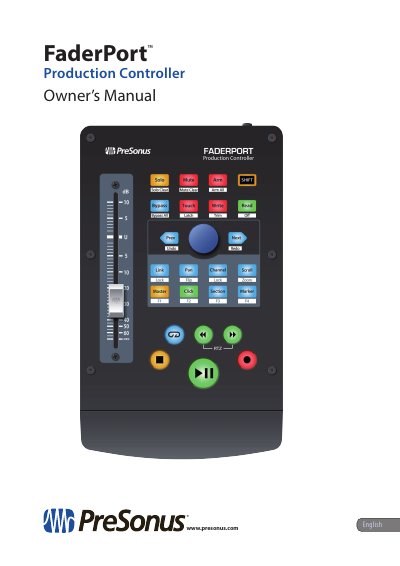
This owner's manual covers the PreSonus FaderPort multichannel production controller, which features a touch-sensitive, motorized fader, transport controls, and a Session Navigator for mixing in DAW applications. It describes included items, registration, firmware updates, and correct connection procedures before connecting the controller to a computer.
The FaderPort offers customized operation modes for five major DAWs: Studio One, Pro Tools (HUI), Logic (MCU), Cubase/Nuendo (MCU), and Live (MCU). The manual also includes Studio One Artist setup instructions and the FaderPort multichannel controller MIDI protocol appendix.
| Fader length | 100 mm |
|---|---|
| USB cable length | 6' (1.8m) |
| Computer compatibility | macOS and Windows |
Press and hold the NEXT button while powering on the FaderPort, then press the button for the desired mode.
No driver installation is required to use the FaderPort.
You can download Studio One Artist recording software and content and Universal Control.
The firmware update process can take up to five minutes.