
This manual introduces the FLIR MR160 imaging moisture meter, including the product's key features, operation steps, maintenance and maintenance.
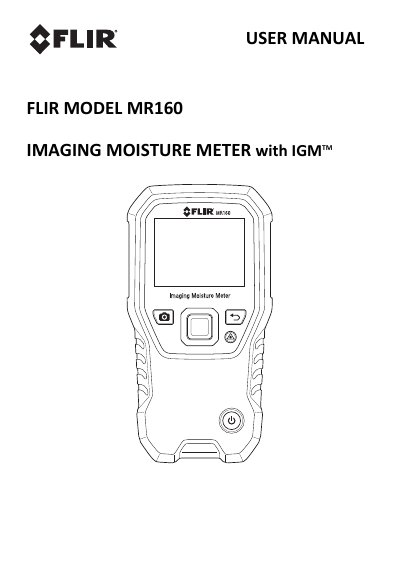
The FLIR MR160 Imaging Moisture Meter integrates high-quality thermal imaging technology with non-invasive pinless moisture detection. It features Infrared Guided Measurement (IGM) technology to visually guide users to moisture issues, allowing for confident and easy analysis of readings. The device includes an integrated internal pinless sensor and supports an external pin probe for resistive moisture content measurements.
| Moisture Sensor Depth | approximately 19mm (0.75") |
|---|---|
| Auto Power OFF Default | 20 minutes |
The IGM Moisture mode displays both the thermal image and moisture readings on one screen to help target moisture issues.
The internal moisture sensor detects moisture to a depth of approximately 19mm (0.75").
The meter switches OFF automatically after a programmed period of inactivity, with a default time-out of 20 minutes.
Pinless measurement readings are scaled relatively from 0 to 100.