
This guide is for quick installing and connecting the MOBOTIX MOVE SD-340-IR SpeedDome PTZ Network Camera.
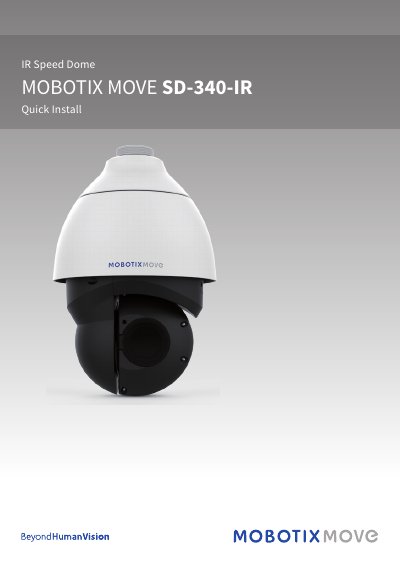
This guide provides step-by-step instructions for installing and connecting the MOBOTIX SD-340-IR SpeedDome PTZ Network Camera. It covers power connections (DC12V or AC24V, not both), Ethernet setup via RJ-45 port, SD card insertion, and audio/alarm I/O. It also includes login details and ActiveX control installation for browser access.
The camera supports Zero Downtime Power Switching (ZDT) when DC12V and Ethernet power are both connected. Users must change the default login credentials after first access and ensure compatibility with Microsoft Internet Explorer 10.0 or later for optimal operation.
No, DC12V and AC24V power cannot be used simultaneously to avoid unexpected damage.
The default IP address is 10.x.x.x, assigned via DHCP by default.
Microsoft Internet Explorer 10.0 or later is required for smooth operation.