
This document provides integration instructions for the Mobotix T25 SIP Door Station with the ELAN system, covering installation and configuration steps.
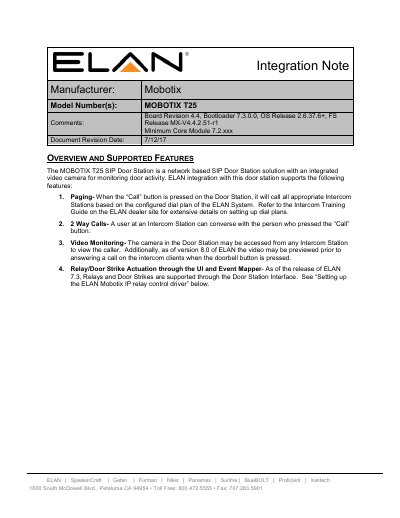
The MOBOTIX T25 SIP Door Station is a network-based solution featuring an integrated video camera for monitoring door activity. This note details how to integrate the device with the ELAN intercom system, enabling features such as paging, two-way audio calls, and remote video monitoring from Intercom Stations.
To ensure proper operation, the document outlines specific configuration steps required on both the Mobotix T25 unit and the ELAN controller. The setup involves configuring network parameters (static IP), SIP client settings for VoIP communication, and defining outgoing/incoming call profiles to link the door station with the intercom system.
| Board Revision | 4.4 |
|---|---|
| Bootloader Version | 7.3.0.0 |
| OS Release | 2.6.37.6+ |
| FS Release | MX -V4.4.2.51 -r1 |
| Minimum Core Module Version | 7.2.xxx |
The default user name is admin and the password is either t25 for US versions or meinsm for euro versions.
You must set the SIP Server to Off in the Audio and VoIP Telephony settings.
The document recommends setting the Video Bit Rate to 90 kbit/s.