
This document is the user manual of SD8364E/-M Speed Dome Network Camera. It introduces the features and characteristics of the product, as well as the installation and use methods.
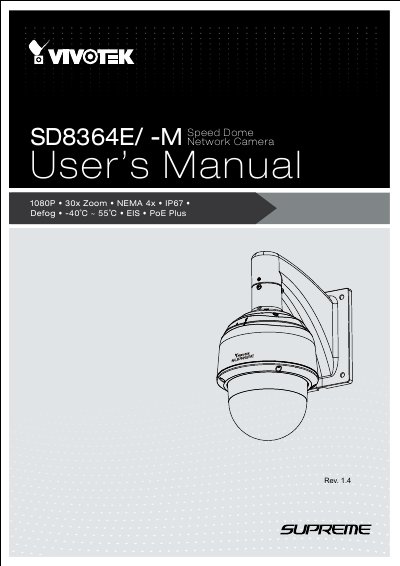
This user manual covers installation, configuration, and operation of the VIVOTEK SD8364E/-M speed dome network camera. It includes hardware setup, network deployment, software installation, and detailed configuration options for video, audio, PTZ, and security settings. The camera supports 1080p resolution, WDR Pro, and PoE Plus, making it suitable for demanding outdoor surveillance applications.
The manual also provides technical specifications, troubleshooting tips, and information on optional accessories like dehumidifier units and SD card support. It includes safety warnings, installation guidelines, and notes on environmental conditions for optimal performance.
| Resolution | 1080p |
|---|---|
| Zoom | 30x |
| Protection Rating | IP67, NEMA 4X |
| Operating Temperature | -40°C to 55°C |
| Power Supply | PoE Plus (802.3at) |
| Video Compression | H.264/MPEG-4/MJPEG |
| Frame Rate | 30 fps @ 1080p |
| Audio Detection | Yes |
| SD Card Support | SD/SDHC/SDXC up to 64GB |
| Max Power Consumption | 60W (with heater) |
The camera supports 1080p Full HD resolution with up to 30 fps.
The camera operates between -40°C and 55°C.
Yes, it supports PoE Plus (802.3at) and can be powered via an Ethernet connection to a PoE Plus switch.
The camera supports SD/SDHC/SDXC cards up to 64GB.