
This manual introduces the use of Philips AJ7260D Docking Entertainment System.
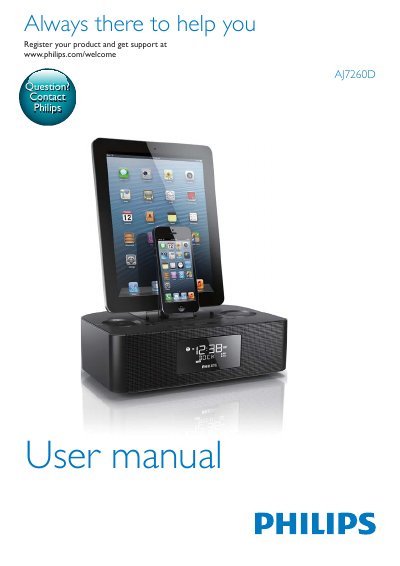
This is the user manual for the Philips Docking Entertainment System AJ7260D. It explains safety and notice information, the parts of the main unit, and how to get started: installing backup batteries, connecting AC power, turning the unit on, and setting the time and date.
The manual then describes playing music from iPod/iPhone/iPad in Dock 1 (Lightning) or Dock 2 (30-pin) and from an external device through AUDIO IN, listening to and programming FM radio stations, setting alarm and sleep timers, adjusting display brightness and sound (DSC and DBB). It ends with product specifications and a troubleshooting section.
| Total output power | 8 W |
|---|---|
| Frequency response | 80 Hz - 16 kHz, ±3dB |
| Speaker impedance | 4 ohm |
| Speaker driver | 57 mm |
| FM tuning range | FM 87.5 - 108 MHz |
| Tuning grid | 50 KHz |
| AC power | 110-240V~, 50/60Hz |
| Operation power consumption | 44 W |
| Standby power consumption (clock display) | <1 W |
| Dimensions - Main unit (W x H x D) | 260 x 138 x 185 mm |
| Weight (main unit, without packing) | 1.13 kg |
You can enjoy music from iPod/iPhone/iPad and listen to radio or other audio devices connected through AUDIO IN.
You can set two alarms (AL1 and AL2) to go off at different times.
In standby mode, press and hold SET TIME for 2 seconds, then use TUNE+ or TUNE- to select values and press OK to confirm.
It uses 2 x AA size batteries, which are for backup purpose only; AC power is the only power supply.