
This document introduces the functionality and usage of the EtherNet IP interface module. The module can be used with the Optidrive P2, Optidrive Eco and Optidrive HVAC range of variable speed drive products and is intended for professional incorporation into complete equipment or systems.
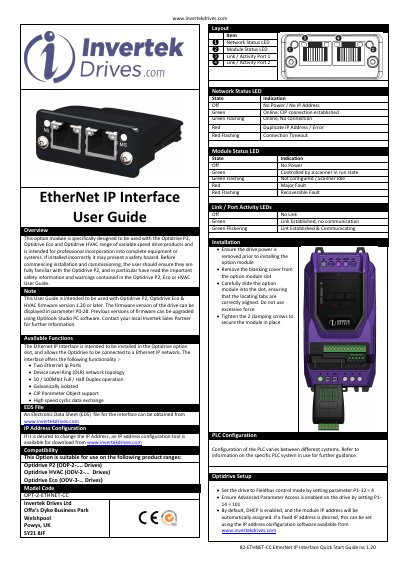
The Invertek Drives OPT-2-ETHNET-CC EtherNet IP Interface is an option module designed for use with Optidrive P2, Optidrive Eco, and Optidrive HVAC variable speed drives. It allows the drive to connect to an EtherNet/IP network and is intended for professional incorporation into complete equipment or systems.
The guide covers installation into the drive option slot, LED status indications, and PLC configuration. It also describes the 4-word cyclic process data exchange, including fixed and user-defined input and output data words for controlling and monitoring the drive.
| Ethernet Ports | 2 |
|---|---|
| Network Topology | Device Level Ring (DLR) |
| Duplex Operation | 10 / 100Mbit Full / Half Duplex |
| Process Data Exchange | 4 word cyclic |
| Minimum Firmware Version | 1.20 or later |
By default, DHCP is enabled and the module IP address is automatically assigned.
It is a fixed 16-bit Drive Control Word used to control drive behaviour when P1-12 = 4.
It indicates the link is established with no communication.
The guide is intended for use with firmware version 1.20 or later.