
OPTISTICK 2 User Guide
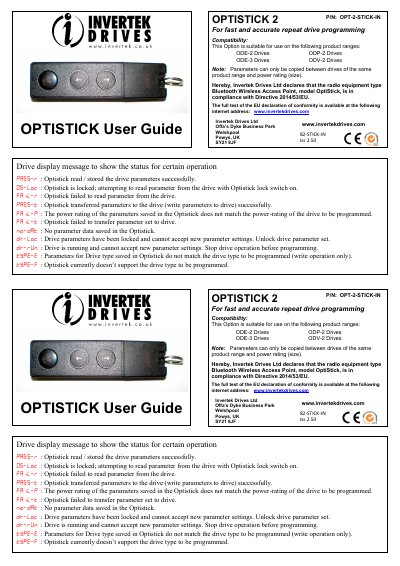
This Invertek Drives OPTISTICK 2 User Guide describes the OPTISTICK 2 option used for fast and accurate repeat drive programming. It lists the drive ranges the option is suitable for (ODE-2, ODP-2, ODE-3 and ODV-2 drives) and notes that parameters can only be copied between drives of the same product range and power rating (size). It also states that the Bluetooth Wireless Access Point type, model OptiStick, complies with Directive 2014/53/EU.
The guide explains the Optistick interface, which connects to the RJ45 slot on Optidrive: a Parameter Read Button copies parameters from the drive to the Optistick, a Parameter Write Button copies parameters from the Optistick to the drive, and a Locking Switch prevents the parameter set from being over-written. It lists status LED meanings (green and blue) and the drive display messages shown for read and write operations. It also gives steps for using Invertek Windows PC software over Bluetooth, with default pairing code "0000" and default device name "Optistick" (the PC must have a Bluetooth port).
| Compatible drive ranges | ODE-2, ODP-2, ODE-3 and ODV-2 Drives |
|---|---|
| Default Bluetooth pairing code | 0000 |
| Default Bluetooth device name | Optistick |
| Interface connection | RJ45 slot on Optidrive |
| Part number | OPT-2-STICK-IN |
| Document issue | Iss 2.5 0 |
It is suitable for ODE-2, ODP-2, ODE-3 and ODV-2 drives. Parameters can only be copied between drives of the same product range and power rating (size).
The default pairing code is "0000" and the default device name is "Optistick".
Constant blue means Bluetooth is ready; flashing blue means Bluetooth communications are on.
The drive parameters have been locked and cannot accept new parameter settings; the drive parameter set must be unlocked.