
This manual describes the features and characteristics of the Icom IC-7300 HF/50 MHz transceiver.
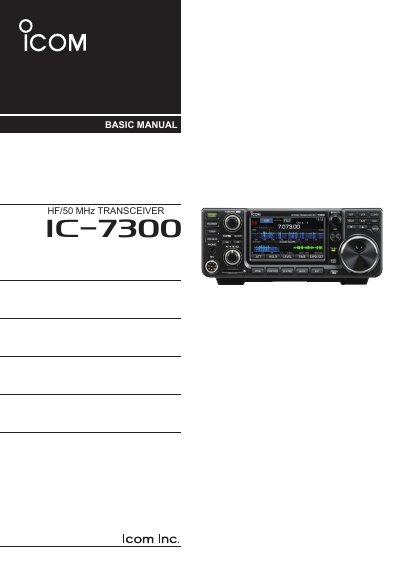
The IC-7300 is an HF/50 MHz transceiver that uses an RF direct sampling system to convert RF signals directly to digital data for processing in an FPGA. It features a 4.3-inch color TFT touch LCD for intuitive operation and a built-in automatic antenna tuner.
Key features include a real-time spectrum scope with class-leading resolution and sweep speed, an IP Plus function that improves third-order intercept point performance, and class-leading RMDR of about 97 dB and phase noise improved by about 15 dB at 1 kHz separation compared to the IC-7200. The manual covers basic operations, touch screen usage, supplied accessories, FCC compliance, and the contents of the included CD.
| RF Direct Sampling System | RF signals directly converted to digital data and processed in FPGA |
|---|---|
| Display | 4.3 inch color TFT touch LCD |
| Antenna Tuner | Built-in automatic antenna tuner |
| RMDR | About 97 dB (typical) |
| Phase Noise Improvement | About 15 dB at 1 kHz frequency separation compared to IC-7200 |
| IP Plus Function | Improves 3rd order intercept point (IP3) performance |
| Frequency Range | HF/50 MHz |
The IC-7300 employs an RF direct sampling system where RF signals are directly converted to digital data and processed in the FPGA.
The touch screen may not work properly with a protection film attached; avoid touching with fingernails or sharp objects, and do not press hard.