
This manual introduces the basic concepts and operations of TRAKTOR KONTROL S4, including setup, connection, use, etc.
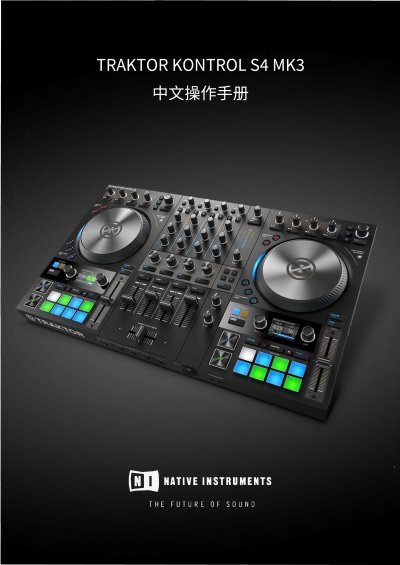
The TRAKTOR KONTROL S4 from Native Instruments is described in this manual as a complete hardware and DJ software performance system: a DJ mixer with a built-in 24-bit/96 kHz audio interface and high-resolution control displays, made for TRAKTOR PRO 3 software. The document covers software version 3.1 (02/2019) and hardware version TRAKTOR KONTROL S4 MK3.
The manual explains basic concepts such as Decks, the Mixer, FX Units, Haptic Drive modes, Pad modes and sync, then guides through setup (computer, amplifier system, monitor speakers, headphones, power, importing music). It gives an overview of all hardware controls, a first-mix tutorial, and tutorials on browsing, jog wheel modes, crossfader assignment, EQ, CUE, tempo, loops, Flux and Reverse, Mixer FX, Remix and STEM Decks and Beatgrid correction, followed by preferences, external device connections and using the S4 as the default audio interface. This manual is written in Chinese.
| Audio interface | 24-bit / 96 kHz |
|---|---|
| Mixer channels | 4 |
| Virtual Decks in TRAKTOR | 4 (A, B, C, D) |
| Haptic Drive modes | JOG, TT and GRID |
| Turntable rotation speeds (TT mode) | 33.3 rpm and 45 rpm |
| Software version | 3.1 (02/2019) |
| Hardware version | TRAKTOR KONTROL S4 MK3 |
The S4 has four mixer channels, which receive signals from Decks A, B, C and D.
There are three: JOG mode, TT (Turntable) mode and GRID mode, each offering different jog wheel control.
The pads have three modes: HOTCUES, SAMPLES and STEMS, each with different functions.
It has a built-in 24-bit/96 kHz audio interface.