
This manual describes how to connect your Native Instruments Komplete Kontrol S49/S61 controller to your Mac or Windows computer and use it with Logic Pro 9, GarageBand, Ableton Live and Cubase.
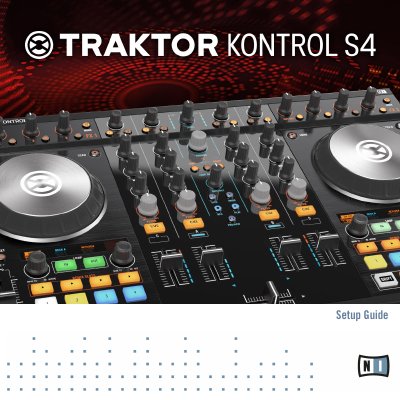
This document serves as the setup guide for the Native Instruments TRAKTOR KONTROL S4 hardware controller. It details the contents of the package, including the controller, power supply, and cables. The guide provides step-by-step instructions for installing the TRAKTOR software on Mac OS X and Windows systems, as well as procedures for activating the product online or offline via the Service Center.
The box contains the TRAKTOR KONTROL S4, a power supply, a USB cable, a Native Instruments iOS cable, a registration flyer, and a safety instructions flyer.
You can correct the application path in Service Center from the Overview tab by clicking the Locate button and browsing to the actual location of the application.
You might need to increase the latency setting of your TRAKTOR KONTROL S4 using the Control Panel described in the TRAKTOR KONTROL S4 Manual.