
User guide for the Native Instruments GUITAR RIG KONTROL 3 pedalboard, covering setup, audio connections, and software integration.
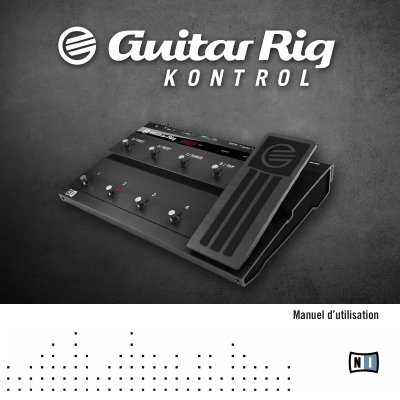
This manual provides step-by-step instructions for installing and configuring the GUITAR RIG KONTROL 3, a pedalboard designed for guitarists and bassists. It details audio connections, safety precautions, and how to use the device with GUITAR RIG software. The guide covers setup for both Windows and Mac OS X, advanced configuration, and troubleshooting.
The pedalboard connects via USB 2.0 and includes two instrument inputs, a stereo headphone jack, and MIDI inputs/outputs. It supports sample rates up to 192 kHz and features a Cirrus Logic converter. Safety guidelines and disposal instructions are included to ensure proper use and care. This manual is written in French.
| Audio Inputs | 2 x 6.35 mm (1/4") mono jack |
|---|---|
| Sample Rate | 44.1, 48, 88.2, 96, 192 kHz |
| Converter | Cirrus Logic |
| Impedance (Instrument Input) | 1 MOhm |
| Signal-to-Noise Ratio | > 100 dB |
Connect your instrument to one of the two 6.35 mm (1/4") mono jack inputs and adjust the input level as needed.
It is designed for GUITAR RIG software but also supports industry-standard MIDI and works with most professional audio software.
The maximum input level is +16 dBu.