
The manual provides setup, connection, and operation instructions for the MASCHINE+ standalone music production controller.
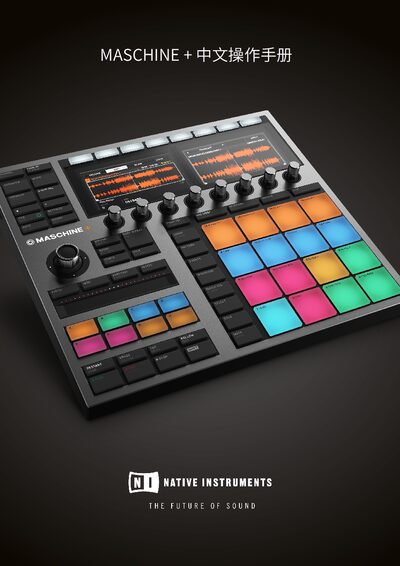
MASCHINE+ is a standalone groovebox and sampler that combines a graphical workflow with high‑quality instruments and effects. It can run the MASCHINE software, multiple engines, plugins, and an embedded version of Native Access, allowing music creation without a computer.
The guide covers hardware connections (speakers, headphones, line‑level devices), Wi‑Fi setup, MIDI integration, pattern and clip editing, audio routing, macro controls, mixing, effects, sampling, and project arrangement, helping users get the most out of the device. This manual is written in Chinese.
Connect the headphones to the PHONES jack using a 6.35 mm TRS plug and adjust the PHONES VOLUME knob.
Use a 6.35 mm TRS cable to connect the LINE OUT L/R jacks on the back panel to the inputs of the powered speakers.
Connect the device’s output to the LINE IN 1 or 2 jacks on the back panel with a pair of 6.35 mm TRS cables.