
This is a user manual for Hisense VRF air conditioner gateway, which introduces the functions and usage of the gateway
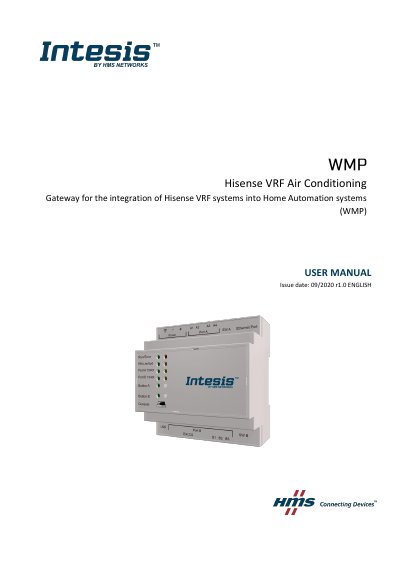
The Intesis Home Automation (WMP) – Hisense VRF gateway integrates Hisense VRF air conditioning systems into Home Automation systems. Up to 64 indoor units are supported depending on the model; the order codes are INMBSHIS016O000 (up to 16 indoor units) and INMBSHIS064O000 (up to 64 indoor units).
The manual describes the WMP interface and commands, connections for power, Ethernet and Hisense H-Link, configuration and diagnostics with Intesis MAPS, and the gateway's electrical and mechanical features, dimensions, AC unit compatibility, and error codes.
| Maximum indoor units | 64 indoor units (top model); INMBSHIS016O000 supports up to 16, INMBSHIS064O000 up to 64 |
|---|---|
| Power supply | NEC Class 2 or Limited Power Source (LPS), SELV rated |
| AC power supply voltage | 24 Vac |
| Ethernet cable | CAT5 |
| Default IP address | 192.168.100.246 |
| DHCP | Enabled by default |
| H-Link connection | Hisense Outdoor Unit TB2 to gateway PortA connectors A3 and A4; no polarity |
| Supported WMP commands per indoor unit | SET (control), CHN (status), GET (read) |
Up to 64 indoor units depending on the model; INMBSHIS016O000 supports up to 16 and INMBSHIS064O000 supports up to 64.
Connect the H-Link terminals (TB2) of the Hisense Outdoor Unit to connectors A3 and A4 of the gateway’s PortA; no polarity needs to be respected.
The default IP is 192.168.100.246, and DHCP is enabled by default.
Each indoor unit is offered as a set of WMP commands: SET for control, CHN for status, and GET for read.