
This document is the user manual of MP Voxel 3D printer, which includes product features, functions, installation and operation information.
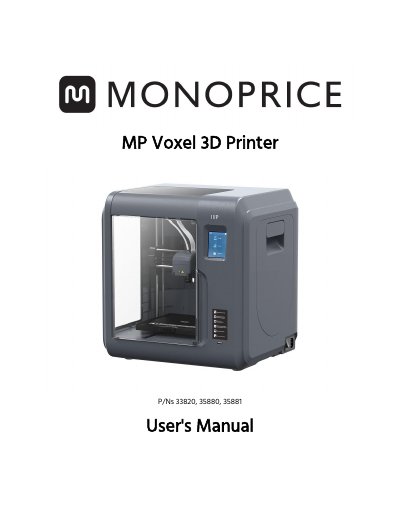
The Monoprice MP Voxel 3D Printer features a 2.8-inch IPS touch screen, a 5.9" x 5.9" x 5.9" build area, and supports 1.75mm filament. It allows printing from internal memory, Wi-Fi, Ethernet, USB, or cloud services. The device includes a removable build plate and quick disconnect nozzle for ease of use.
This guide covers safety warnings, setup procedures, and operation of the OSD menu system. It details how to load and replace filament, calibrate the printer, and use the built-in camera. Troubleshooting steps for clearing clogged nozzles and replacing parts are also included.
| Build Area | 5.9" x 5.9" x 5.9" (150 x 150 x 150 mm) |
|---|---|
| Build Accuracy | +0.2mm |
| Layer Resolution | 0.05-0.4 mm |
| Build Speed | 10~100 mm/second |
| Internal Memory | 8GB |
| Filament Diameter | 1.75mm |
| Operating Temperature | +59°F (+15°C) to +86°F (+30°C) |
| Relative Humidity | 20-70% |
The printer can print any 1.75mm filament.
The printer operates in temperatures from +59°F to +86°F with 20-70% relative humidity.