
Monoprice MP Mini Delta 3D Printer User Manual

This manual introduces the features and usage of MONOPRICE MP Mini Delta 3D printer.
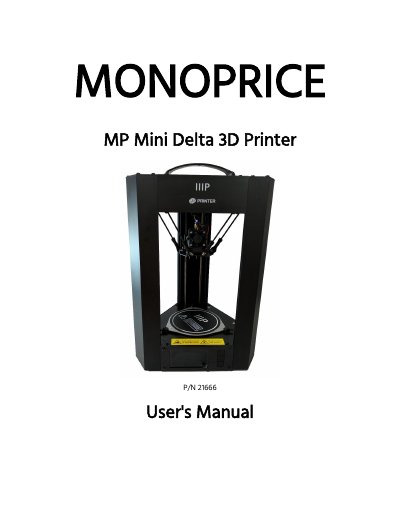

Monoprice MP Mini Delta 3D Printer User Manual - cover page
Brand
Monoprice
Document type
User Manual
Language
English
Pages
22
File format
PDF
File size
947 KB
Published
17 October, 2023
Updated
17 October, 2023
MD5 checksum
07403E0938F12857021B5DBD636ECEF4

About this manual

This manual guides users through setting up and operating the Monoprice MP Mini Delta 3D printer. It includes safety warnings, setup instructions, Wi-Fi configuration, and details on using the included microSD card with Cura or Repetier-Host. The printer supports printing with PLA, ABS, and other materials via USB, microSD, or Wi-Fi. The Quick Access LED Button allows one-click printing of auto00.g files or Wi-Fi setup.

What's inside

  • Safety Warnings and Guidelines
  • Introduction
  • Features
  • Customer Service
  • Package Contents
  • Product Overview
  • Using the Menu System
  • Using the Quick Access LED Button
  • Printer Setup
  • Wi-Fi Setup

Frequently asked questions

What materials can this 3D printer print with?

The printer is capable of printing PLA, ABS, wood, copper fill, steel fill, bronze fill, and other materials.

What target temperatures should be set for ABS and PLA filament?

Set the target temperature to 230°C for ABS filament or 190°C for PLA filament.

What happens when the Quick Access LED Button is pressed while printing?

Pressing the button pauses printing, and the LED extinguishes when the task is paused.

Download PDF (947 KB)

More Monoprice Manuals


View all Monoprice manuals →