
MP Education Guider II 3D Printer 30527 User's Manual, This manual mainly introduces the product safety warnings and guidelines, product overview, OSD menu system, unpacking, hardware assembly, loading and unloading filament, main board leveling, MP FLASHPRINT software, connecting the printer, updating the firmware, printing, etc.
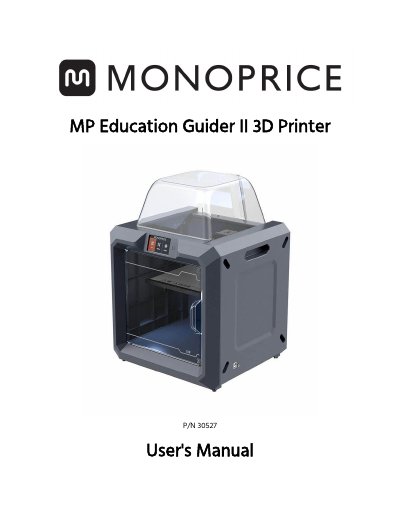
The Monoprice MP Education Guider II is a desktop 3D printer designed for educational environments. This user's manual covers safety guidelines, package contents, and hardware assembly steps including filament loading and build plate leveling.
The document details the operation of the printer's touchscreen interface, covering menus such as Print, Build, Tools, and WiFi settings. It also provides instructions for using the MP FlashPrint software to generate G-code models and connect the device via USB or WLAN hotspot.
| Product Name | MP Education Guider II 3D Printer |
|---|---|
| Part Number | 30527 |
The package includes the printer, a spool of filament, a user manual, a thank you card, and various tools like an Allen wrench set and unclogging pin tool.
You can connect the printer using a USB cable or by setting up a WLAN hotspot connection.