
This document is the user manual for the MP Voxel 3D printer, which introduces the product's features and characteristics, safety usage methods, usage process, common problems and solutions.
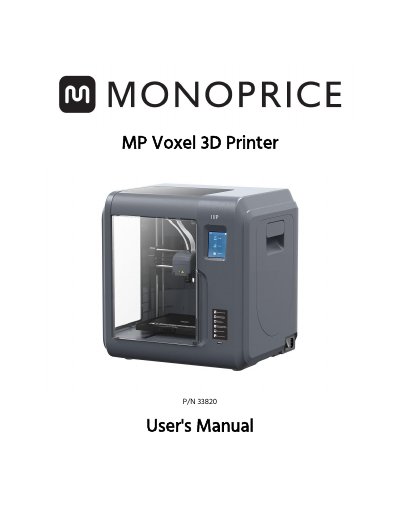
This manual provides instructions for the Monoprice MP Voxel 3D Printer, a device featuring a 2.8-inch IPS touch screen and a 5.9" x 5.9" x 5.9" build area. It details the package contents, including the printer, power cord, and tools, and guides users through the graphical user interface for printing models from internal memory, Wi-Fi, Ethernet, or USB.
| Build Area | 5.9" x 5.9" x 5.9" (150 x 150 x 150 mm) |
|---|---|
| Build Accuracy | +0.2mm |
| Layer Resolution | 0.05-0.4 mm |
| Build Speed | 10~100 mm/second |
| Internal Memory | 8GB |
| Compatible Filament | 1.75mm |
| Operating Temperature | +59°F (+15°C) to +86°F (+30°C) |
| Relative Humidity | 20-70% |
The printer is designed to operate with an ambient temperature ranging from +59°F (+15°C) to +86°F (+30°C).
The printer can print any 1.75mm filament.
You can connect the printer via Wi-Fi, Ethernet, or a USB flash drive.