
Google Glass Enterprise 2 is a new generation of smart glasses launched by Google. It supports video calls, information processing, translation, etc., and can be widely used in enterprises, industries and medical fields.
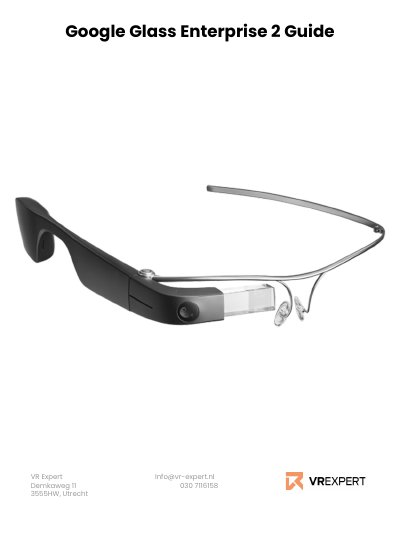
This guide explains how to install and adjust the Google Glass Enterprise 2 device. It covers attaching the device to the frame, modifying nose pads for fit, and using the touchpad to navigate. It also details connecting to Wi-Fi via QR code or network list, updating firmware, and installing apps via the android flash Station.
The guide includes step-by-step instructions for powering on the device, adjusting the display position, and performing system updates. It provides practical tips for daily use, such as cleaning the glass and avoiding damage to seals.
Hook the round attachment on the frame to the device’s bayonet hinge, then gently pull the frame forward to snap the device into place.
Tap the Wifi icon, enable it, then scan a QR code or select a network from the list.
Open settings, go to System card, then System update card, and tap to confirm and install.