
Google Meet Live Lessons Student Guide

The document introduces how to use Google Meet Live Lessons.
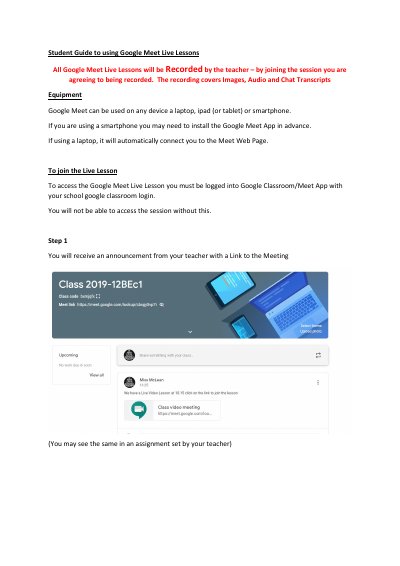

Google Meet Live Lessons Student Guide - cover page
Brand
Google
Category
Other software
Document type
User Manual
Language
English
Pages
5
File format
PDF
File size
460 KB
Published
26 October, 2023
Updated
26 October, 2023
MD5 checksum
6C259FE637B05CEC59ECA3DF7673DD14

About this manual

This document serves as a student guide for accessing and participating in Google Meet Live Lessons. It outlines the prerequisites for joining, such as logging into Google Classroom, and explains the process of entering the meeting via a provided link. The guide emphasizes that all sessions are recorded and that students must agree to this by joining.

What's inside

  • Joining the Live Lesson
  • Camera and Microphone Settings
  • Pinning the Teacher
  • Asking Questions via Chat
  • Leaving the Meeting
  • Nod Reactions Extension

Frequently asked questions

Will Google Meet Live Lessons be recorded?

Yes, all Google Meet Live Lessons will be recorded by the teacher.

What devices can be used for Google Meet Live Lessons?

Google Meet can be used on a laptop, iPad (or tablet), or smartphone.

How do I ask my teacher a question during the session?

You can use the chat function to type your question, which is visible to all and recorded.

Download PDF (460 KB)

More Google Manuals


View all Google manuals →