
Google Earth 4.0 and Later User Guide

Google Earth User Guide is a user guide for Google Earth, which introduces the features and characteristics of Google Earth.
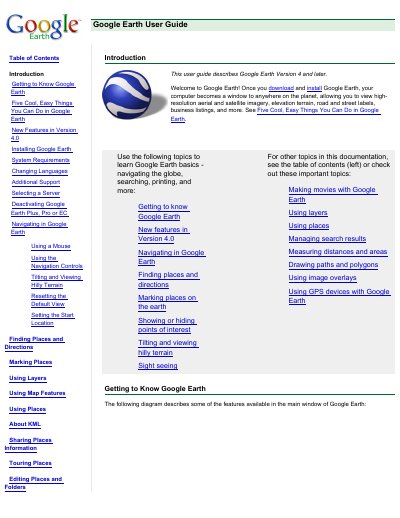

Google Earth 4.0 and Later User Guide - cover page
Brand
Google
Category
Other
Document type
User Manual
Language
English
Pages
131
File format
PDF
File size
2.1 MB
Published
18 October, 2023
Updated
18 October, 2023
MD5 checksum
025E417FF6A396978B1B39C9E5E3C694

About this manual

This guide introduces Google Earth version 4 and later, helping users navigate, search, mark locations, use layers, and create movies. It covers installation, system requirements, language settings, and server configuration for Pro and EC versions. The guide also explains mouse and navigation controls for viewing terrain and moving around the globe.

Key features include finding places, tilting terrain, viewing 3D terrain, managing search results, measuring distances, drawing paths, using image overlays, and sharing views via email or print.

What's inside

  • Getting to Know Google Earth
  • Five Cool, Easy Things You Can Do in Google Earth
  • New Features in Version 4.0
  • Installing Google Earth
  • System Requirements
  • Changing Languages
  • Additional Support
  • Selecting a Server
  • Deactivating Google Earth Plus, Pro or EC
  • Navigating in Google Earth

Frequently asked questions

What is the minimum system memory requirement for Google Earth on a Windows PC?

128MB RAM is required.

What operating systems are supported for Google Earth on a Mac?

Mac OS X 10.4 or later is required.

What languages does Google Earth support?

English, French, German, Italian, Japanese, and Spanish are supported.

How can you change the language in Google Earth?

Click Tools > Options (Mac: Google Earth > Preferences), then choose the language under Language settings.

Download PDF (2.1 MB)

More Google Manuals


View all Google manuals →