
Step-by-step instructions for setting up Google Wifi points using the app and required equipment.
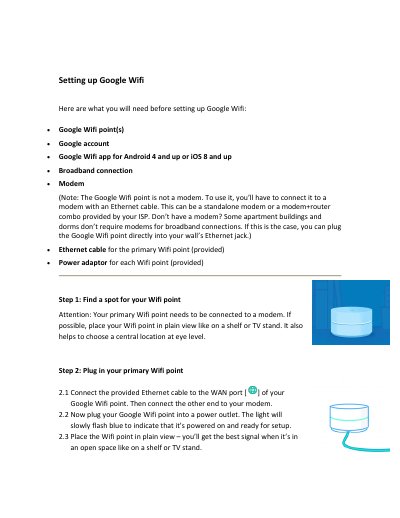
This guide walks you through setting up Google Wifi points, including connecting them to a modem, downloading the app, and configuring your Wi-Fi network. It covers placement, power, and app-based setup steps. After setup, the app installs software and your network will restart until the lights turn solid teal, indicating completion.
The app works on Android 4 and up or iOS 8 and up.
The app will download and install the software, which can take up to 10 minutes.
The light will slowly flash blue to indicate that it is powered on and ready for setup.