
This document is an instruction manual for the Bio-Rad Gene Expression Macro. It provides instructions on how to open the application, organize and use the Excel workbook, and how to use the macro to analyze gene expression data.
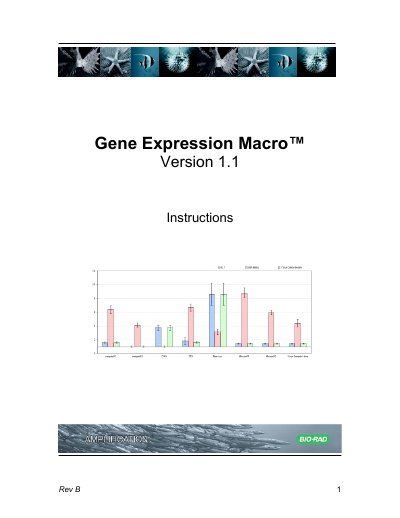
The Bio-Rad Gene Expression Macro Version 1.1 is an application built using Microsoft Excel designed to analyze gene expression data. It allows users to import data from iCycler iQ or MyiQ software and perform calculations based on algorithms by Vandesompele et al. and Livak et al. The macro supports the use of multiple reference genes and accounts for assay efficiencies.
| Software Platform | Microsoft Excel |
|---|---|
| Version | Version 1.1 |
| Compatible Data Sources | iCycler iQ or MyiQ software |
You must choose medium level of security in the Security Dialogue Box.
Copy the data from the Threshold Cycle Chart in the software and paste it into the 'import 1' tab of the macro.
Yes, the calculations allow you to analyze results using multiple reference genes.