
This document is a multi-language quick guide for the Genius NX-7000SE Wireless Mouse User Guide.
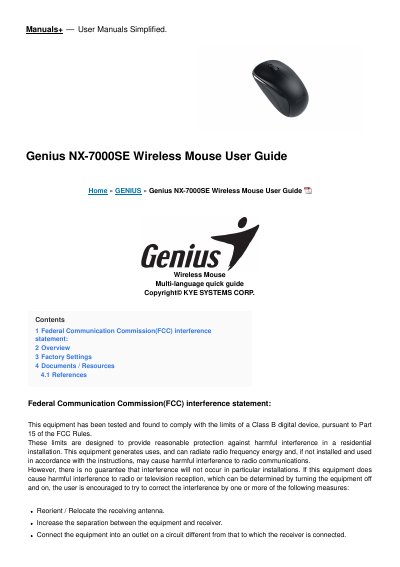
This document is a multi-language quick guide for the Genius NX-7000SE Wireless Mouse. It includes regulatory compliance statements, a disclaimer from KYE Systems Corp., and contact information for technical support.
The guide provides an overview of the mouse components, including the battery cover, AA or AAA batteries, receiver storage, and power switch. It details the factory settings for the left button, Magic-Roller, and right button, noting that product images are for reference only.
| Input Voltage | 5V |
|---|---|
| Max Current | 100mA |
| Operating Temperature | -20ºC~50ºC |
| Operating Humidity | 5%~85% |
Pressing the Magic-Roller allows the user to surf the Internet and Windows documents.
The maximum power rating is 5V 100mA.
The maximum power rating is 5V 50mA.
Store the product at a temperature between -20ºC and 50ºC with humidity between 5% and 85%.