
This is a manual for installing GENIUS SIERRA 100 RETRACTABLE SCREEN DOOR
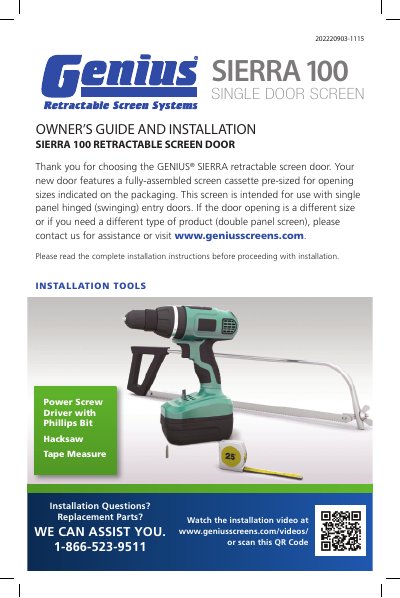
This guide provides detailed instructions for installing the Genius SIERRA 100 retractable screen door. It covers measuring the door opening, assembling components, mounting the screen cassette, installing guide rails, and securing rails with screws. The guide also includes troubleshooting tips for common installation issues such as screen misalignment or difficulty pulling the screen.
Tools required include a power screwdriver with Phillips bit, hacksaw, tape measure, and Allen wrench. The screen is designed for single-panel hinged entry doors and comes with a pre-assembled screen cassette. If the door opening size differs or a double-panel screen is needed, contact Genius for assistance.
Power screwdriver with Phillips bit, hacksaw, tape measure, and Allen wrench.
Contact Genius for assistance or visit www.geniusscreens.com.
Adjust it so it is positioned at the top of the Pull Bar approximately 1/8"(3mm) below the top guide rail and tighten Allen-Head Set Screws.