
This manual provides detailed information on the functions and operation of the INX-10A Intelligent NAC Expander Panel.
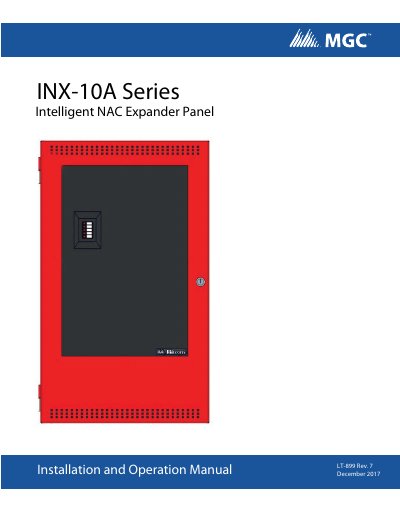
This manual covers the installation, operation, and configuration of the Mircom INX-10A Intelligent NAC Expander Panel, including mechanical mounting, wiring, DIP switch settings, and compatibility with various fire alarm control panels. It also details power supply options, output configurations, and troubleshooting procedures.
The INX-10A supports up to 14 notification appliance circuits per node and can operate with UL-listed 24VDC fire alarm panels. It includes a built-in charger for batteries up to 40Ah and features configurable outputs for horns, strobes, and power supply. The unit is surface or flush-mountable and comes with a red enclosure, cam lock, transformer, and battery leads.
| Maximum Current per Output | 2.5 Amp |
|---|---|
| Auxiliary Power Output | 1.7 Amp |
| Battery Capacity Supported | Up to 40 Ah |
| Enclosure Compatibility | 4 Ah, 7 Ah, 12 Ah batteries; 18 Ah in INX-10ADS only |
The INX-10A supports up to 14 notification appliance circuits per node using minimal configuration.
The INX-10A can charge sealed lead acid or gel type batteries up to 40 Ah storage capacity.
Yes, the INX-10A is surface or flush-mountable.