
This user’s guide provides information on the most common programming features of the TAS-2000 ADC Scrolling and Non-Scrolling Directories. It is broken down into two sets of instructions: Part 1 Non-Scrolling Directory Programming and Part 2 Scrolling Directory Programming. With these instruction, you can easily program the telephone access system directory
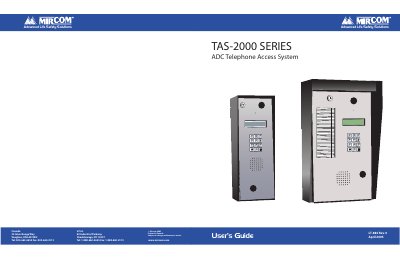
This user’s guide explains how to program and operate the Mircom TAS-2000 ADC telephone access system. It covers adding, editing, and deleting resident records, setting door DTMF codes, timers, and passwords. The guide also explains how to navigate the keypad and troubleshoot common issues like speaker problems or display contrast issues. It includes instructions for both non-scrolling and scrolling directory types.
The speaker may not be working correctly. Unlock the panel and perform a visual inspection of the speaker: Look for loose wires as well as damaged components. Check that the volume in the panel speaker is set properly. VR4 (volume control) is the adjustment potentiometer for the standard board and VR2 is the adjustment potentionmeter for the slim line board; both are located at the bottom of the board. Adjust the potentionmeter clockwise to increase the volume. If there are no loose wires and the volume in the panel speaker is set properly, there may be a problem with the speaker impedance.
There may be a problem with the contrast level. VR1 (contrast control) is located on the back of the keypad/ display board. Adjust the potentionmeter counter-clockwise for a darker display and clockwise for a lighter display.
Because the ADC system requires a dedicated telephone line, it is not equipped with a ring pattern option. The ring pattern is dependent on your local telephone company.
The Mircom key part number is LK-304. Contact your local distributor or Mircom Head Office for a replacement.