
FX-2000 Series Fire Alarm Control Panel user guide, introduces how to use the control panel's command menu features, including printing reports, bypassing devices, loops, loops, disconnecting relays, performing walk tests, changing passwords, clearing logs and counters, setting day / night mode and time, automatic programming system
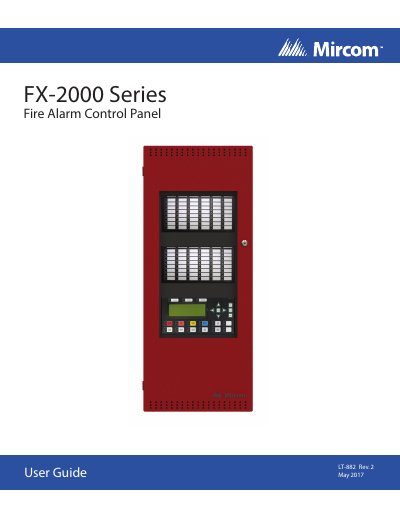
This user guide provides instructions for operating the Mircom FX-2000 Fire Alarm Control Panel LT-882. It covers the use of the Command Menu features, including printing reports, bypassing devices, performing walk tests, and managing system passcodes. The manual details how to navigate the front panel indicators and controls for both Classic and New DS displays.
| Display Type | four line, 20 characters per line |
|---|---|
| Flash Rate (Fast) | 120 flashes per minute |
| Flash Rate (Trouble) | 20 flashes per minute |
| Configurable LEDs | 16 bi-coloured zone indicators |
| Configurable Switches | Two configurable switches |
The fast flash rate is 120 flashes per minute, and the trouble flash rate is 20 flashes per minute.
Press the Menu button to view the Command Menu.
It turns on the Signal Silence LED and deactivates silenceable indicating circuits, but signals will re-sound upon any subsequent alarm.