
DigiTech Control X Foot Controller User Manual

This document is about the DigiTech Control X user manual, introducing the product's features and characteristics.
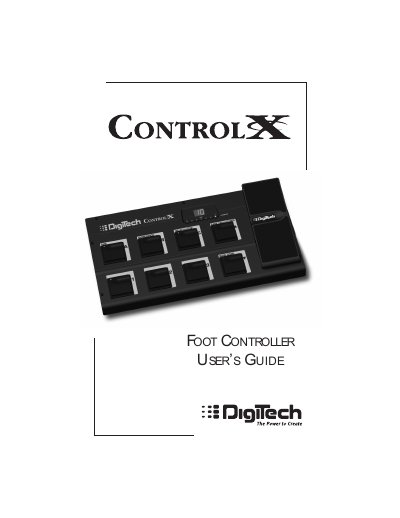

DigiTech Control X Foot Controller User Manual - cover page
Brand
DigiTech
Category
Other Electronics
Document type
User Manual
Language
English
Pages
8
File format
PDF
File size
263 KB
Published
26 October, 2023
Updated
26 October, 2023
MD5 checksum
59308678B89A3D8589B52CFF4E7935F2

About this manual

The DigiTech Control X is a foot controller designed for use with DigiTech GENETX processors. It features eight footswitches, a two-digit numeric display, tuning LEDs, and an expression pedal housed in a rugged steel chassis. The device allows for real-time control over sound parameters, including preset selection, effect toggling, and wah effect activation.

What's inside

  • Introduction
  • Front View
  • Rear Panel
  • Connecting the Control X
  • Bank Up/Tuner Switch
  • Tuner
  • Numbered Foot Switches
  • Effect Foot Switches
  • Expression Pedal
  • Warranty

Frequently asked questions

Is the Control X a MIDI device?

No, the Control X is not a MIDI device and is to be used only with DigiTech GENETX processors.

How do I activate the tuner mode?

Press and hold the Bank Up switch for 2 seconds to activate the tuner mode.

How do I activate the V-Switch function on the expression pedal?

Rock the pedal all the way forward (toe down) and apply pressure on the toe to activate the V-Switch.

Download PDF (263 KB)

More DigiTech Manuals


View all DigiTech manuals →