
This manual describes how to use the DigiTech Bass Multi-Effects Processor
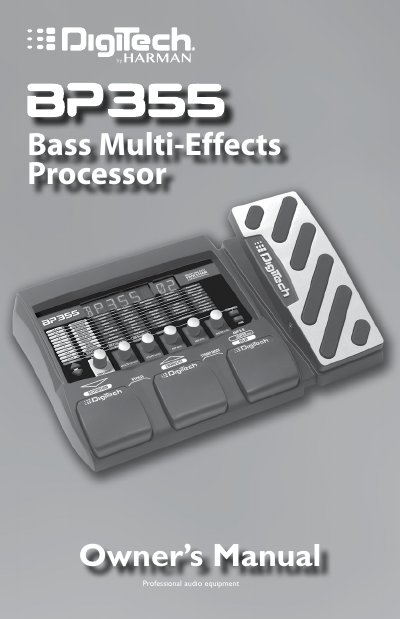
This manual guides users through setting up and operating the DigiTech BP355 bass multi-effects processor. It covers modes like Performance, Stompbox, Bypass, and Tuner, along with editing presets and using the X-EditTM Editor/Librarian. The device features tone and effects libraries, adjustable knobs, and USB support for computer recording. Warranty and technical support details are also provided.
The BP355 includes 70 user presets and 70 factory presets, with options to create custom sounds using tone and effects libraries. It supports mono and stereo operation, and includes features like a drum machine, phrase looper, and expression pedal. Technical support is available via phone or website, with a requirement to obtain a return authorization number for factory service.
Press the Up and Amp A/B Footswitches simultaneously until the display reads STOMP.
The output is muted while you are tuning your bass.
The default factory setting is A=440 Hz.