
Key facts
- Manuals
- 10
- Models
- 1
- Categories
- 1
- Languages
- EN · ZH
- Last added
- 2026-10-03
DigiTech models by category
Featured DigiTech manuals
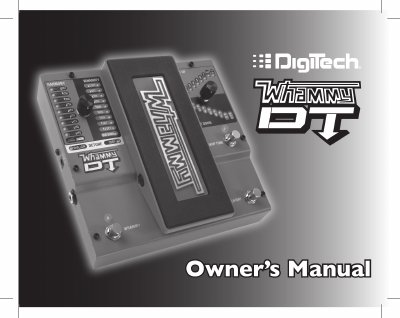
DigiTech Whammy DT User Manual
This manual introduces the Whammy DT pedal, its included items, and detailed descriptions of each control, including the Whammy, Harmony, Detune and Drop Tune functions. It also covers connection diagrams, optional FS3X footswitch usage, and calibration procedures for the expression pedal.
Safety warnings, warranty terms, technical specifications, and regulatory compliance information are provided, along with troubleshooting guidance and recommended power supply details.
Covers: Safety Instructions · Warranty · Introduction · Guided Tour · Making Connections · Effects
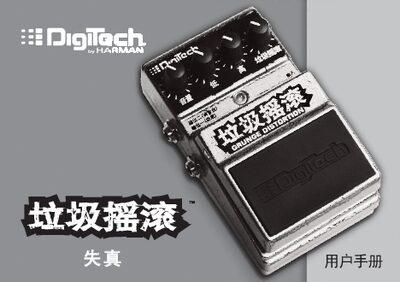
DigiTech DGR Grunge Distortion Pedal User Manual
This manual begins with important safety information and warranty details, reminding users to read the guide, keep it, avoid water, protect power cords, and have repairs performed only by qualified technicians. It also outlines the product warranty and registration process.
The guide then describes the pedal’s controls (volume, bass, treble, distortion, and Grunge knob), input and output connectors, and how to connect to an amplifier or mixing console. Detailed steps for battery replacement and pedal mounting are included, along with specifications such as impedance, power consumption, and dimensions. This manual is written in Chinese.
Covers: Safety Information · Warranty · Product Overview · Controls · Connections · Battery Replacement
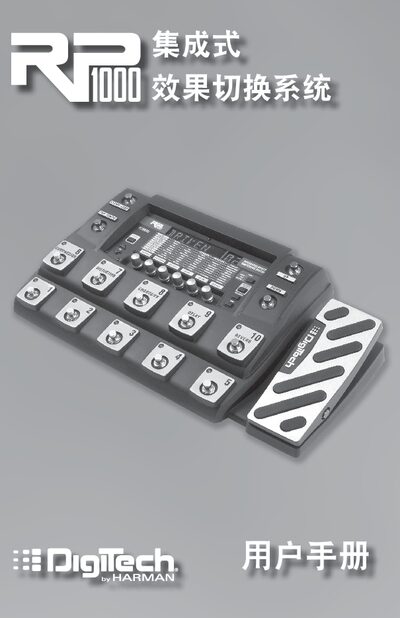
DigiTech RP1000 Integrated Effects Switching System User Manual
This manual introduces the RP1000 integrated effects switching system, describing its packaging contents, preset and pedal modes, and how to use the bypass and tuning functions. It also details the front‑panel controls, rotary knobs, and expression pedal functions.
The later sections cover editing presets, the built‑in Tone and Effects libraries, routing options such as amp and cabinet bypass, loop configurations, power requirements, and a full list of technical specifications. Safety notices, warranty information, and software requirements for the X‑Edit editor are also included. This manual is written in Chinese.
Covers: Introduction · Preset and Pedal Modes · Bypass and Tuning · Editing Functions · Effects and Parameters · Other Functions
DigiTech RP50 Guitar Multi-Function Processor User Manual
This manual introduces the RP50 guitar multi‑function processor, describing its front‑panel controls, back‑panel connectors, and the various operating modes such as performance, editing, and tuning. It also explains how to connect the unit to guitars, amplifiers, headphones, and mixers using mono or stereo TRS cables.
Power options are covered, including battery operation with six AA cells or an optional DigiTech PS200R DC adapter, as well as details on preset management, cabinet simulation, factory reset, and full technical specifications found in the appendix. This manual is written in Chinese.
Covers: Introduction · Front Panel · Back Panel · Connections · Power System · AC Power Supply
Latest DigiTech manuals
DigiTech Whammy DT User Manual
User Manual 24 pages · 5.9 MB · ENThe DigiTech Whammy DT User Manual provides safety instructions, setup steps, feature descriptions, specifications and warranty information for the Whammy…
DigiTech DGR Grunge Distortion Pedal User Manual
User Manual 12 pages · 1.9 MB · ZHThe DigiTech DGR Grunge Distortion Pedal user manual provides safety information, operation instructions, connection guide, and battery replacement steps.
DigiTech RP1000 Integrated Effects Switching System User Manual
User Manual 56 pages · 4.7 MB · ZHThe DigiTech RP1000 user manual explains setup, operation, preset editing, and technical specifications for the integrated effects switching system.
Digitech HDX 1000 User Guide
This user guide introduces the features and functions of the Digitech HDX 1000 Networked Media Tank (NMT) Player, including installation, connection, configuration, and usage
DigiTech RP90 Manual
DigiTech RP50 Guitar Multi-Function Processor User Manual
User Manual 25 pages · ZHThe DigiTech RP50 Guitar Multi-Function Processor User Manual provides setup, connection, power, and operation instructions for the RP50.
DigiTech RP70 Manual
DigiTech RP90 Operating Manual
User Manual 18 pages · 1.2 MB · ENThe DigiTech RP90 operating manual explains the front and rear panel controls, tone and effects libraries, LED indicators, and basic usage.
DigiTech RP series software installation Service Manual
Digitech GNX3 User Manual
User Manual 68 pages · 3.5 MB · ENThe Digitech GNX3 user manual provides setup, operation, and troubleshooting information for the GNX3 unit.
Which document do I need?
User Manual
Day-to-day operation, settings and troubleshooting. Start here if the product is already set up.
Questions answered in DigiTech manuals
What power supply should I use with the Whammy DT?
Use only the supplied power supply, which provides 9 VDC power; other supplies are not recommended.
What is the pitch‑bend range of the Whammy DT?
The pedal can bend pitch up to +2 octaves and down to –3 octaves.
How do I replace the battery in the DigiTech DGR Grunge pedal?
Remove the pedal from the base using the release levers, take out the old battery, connect a new 9 V alkaline battery, and re‑install the pedal as shown.
How do I connect the pedal to an amplifier or mixing console?
Connect the guitar to the Input jack, connect the Amplifier Output jack to your amp, or use the Mixer Output jack to route the signal to a mixing console, then adjust volume levels as described.
How do I enter bypass mode on the RP1000?
Press the pedal of the currently active preset; the pedal lights indicate that the system is in bypass mode, allowing the guitar signal to pass through unprocessed.
From: DigiTech RP1000 Integrated Effects Switching System User Manual
How many user presets does the RP1000 support?
The RP1000 provides 100 user presets (1‑00) and 100 factory presets (F1‑F00).
From: DigiTech RP1000 Integrated Effects Switching System User Manual