
This is the user manual of Anybus X-gateway. It provides detailed information about the product's features and operation methods.
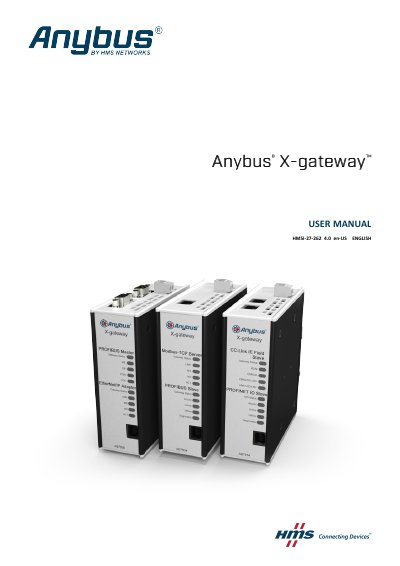
The Anybus X-gateway consists of two Anybus fieldbus or Ethernet network interface modules and an intelligent gateway platform that transfers data between the two networks. The gateway can be configured via a USB port using the Windows-based application, Anybus Configuration Manager.
The document covers the description of data exchange, status and diagnostics, and controlling the X-gateway from the network. It also provides installation instructions for DIN rail mounting and connector identification, along with setup and configuration steps for the Anybus Configuration Manager software.
| Buffer Size | 512 bytes |
|---|---|
| Default Data Exchange Size | 20 bytes |
| Operating System Requirement | Windows XP or later |
The gateway settings are accessed via the USB port of the X-gateway using the Windows-based application Anybus Configuration Manager.
The Status Word provides runtime status and diagnostic information, taking up the first two bytes of the output area if enabled.
It is a 4-bit counter that increments each time the throughput of the gateway exceeds 100ms.